Connect your AI agent to Rebill Docs and ship integrations faster
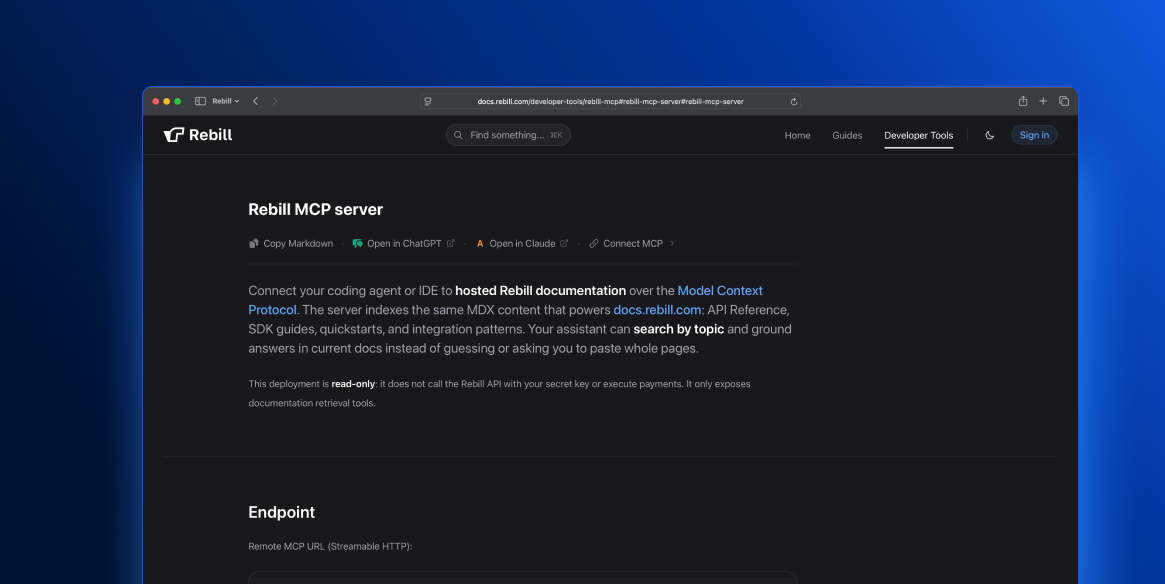
Rebill MCP is now available in our developer documentation, making it easier for your team to build with Rebill using the AI agents and IDEs they already use.
Your assistant can now search Rebill Docs by topic and ground answers in current documentation, instead of guessing, switching tabs, or asking you to paste full pages manually.
What’s included
• Connect your coding agent or IDE to hosted Rebill documentation through MCP
• Use Rebill MCP with Cursor, Claude Code, Claude Desktop, Windsurf, Gemini CLI, and Codex
• Search across API Reference, SDK guides, quickstarts, and integration patterns
• Copy ready-to-use configuration snippets for each supported tool
• Open the active documentation page in ChatGPT with context
• Open the active documentation page in Claude with context
• Copy any documentation page in Markdown
• Use Rebill Docs as live context before writing or reviewing code
Each setup guide shows where the configuration lives and gives your team a copy-ready snippet, so developers can connect Rebill MCP locally without manual guesswork.
This helps teams move faster from documentation to implementation, with less context switching, fewer repeated questions, and more accurate AI-assisted answers.
The MCP deployment is read-only. It does not call the Rebill API, use secret keys, or execute payments. It only exposes documentation retrieval tools.
Available now in Rebill Docs:
https://docs.rebill.com/developer-tools/rebill-mcp#rebill-mcp-server#rebill-mcp-server